Discover how to stop those blank stares and boost your success
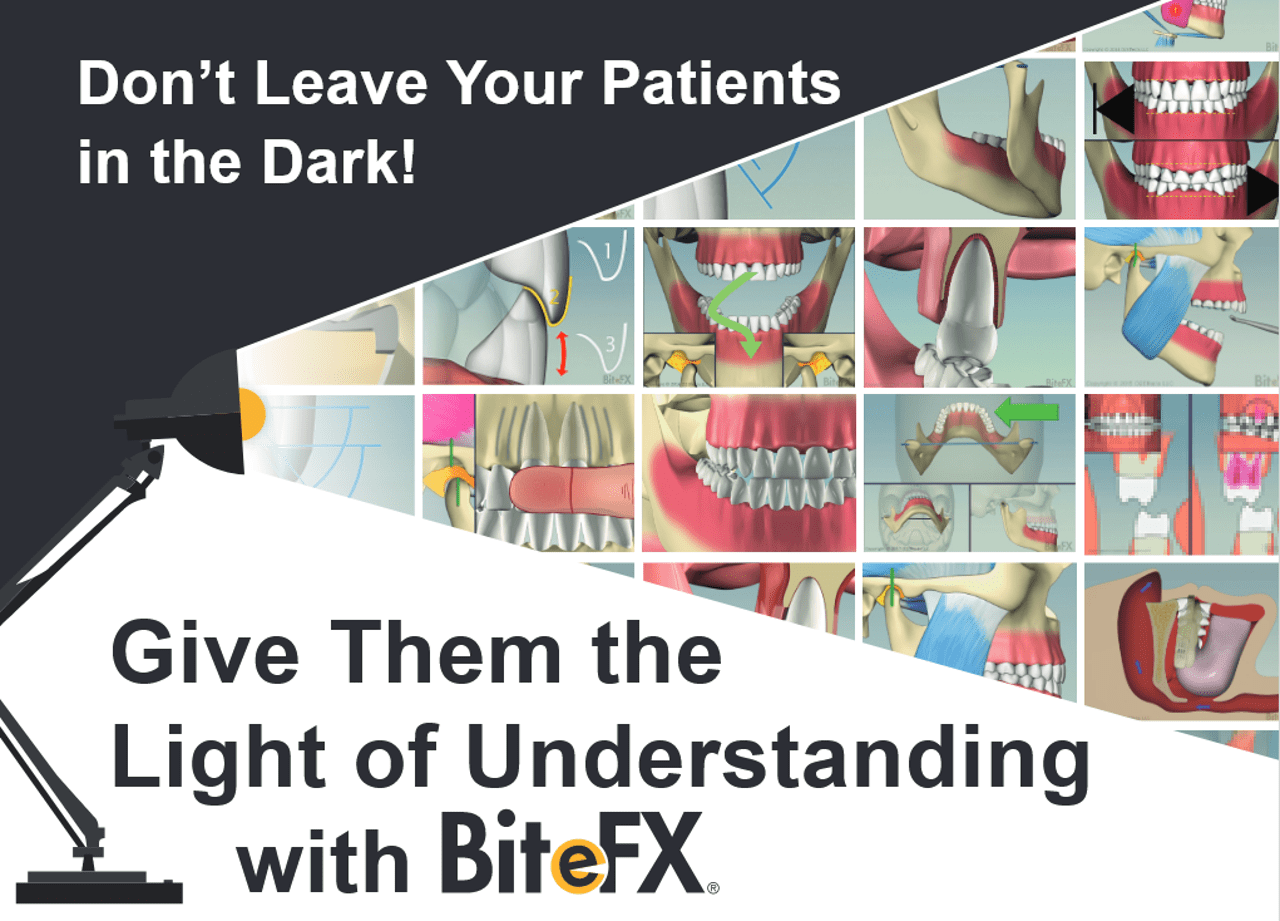
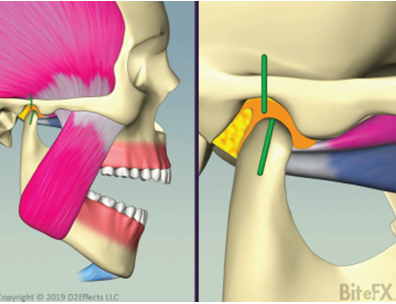
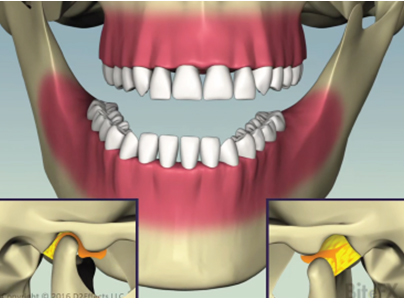
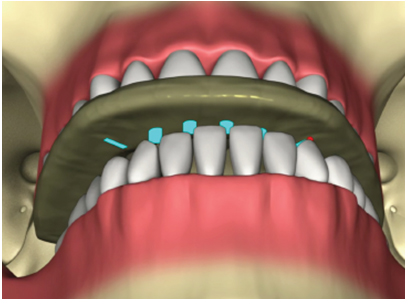
Whether you are proposing a treatment for occlusion or training your staff, BiteFX’s offers a visual solution to effectively communicate a variety of crucial dental concepts like cracked front teeth, broken back molars, and other dental occlusion scenarios.
BiteFX empowers you to articulate complex ideas to your patients in a matter of seconds, ensuring a clear understanding that can propel them towards necessary treatment.
| Features | BiteFX Premium Platinum | BiteFX Premium Gold | BiteFX Premium Basic |
|---|---|---|---|
| Use of BiteFX Software on Windows | |||
| BiteFX on the iPad | |||
| Free Access to BiteFX Webinars | |||
| Unlimited QuickStart Coaching | |||
| Access to an Extensive Online Library of Marketing Tools |
Core Benefits of BiteFX
1. Easily Communicate Key Dental Concepts to Your Patients
The main goal of BiteFX is to streamline the process
of communicating key concepts to your patients.
We want you to be able explain any individual concept in just a few seconds to ANY patient. With this understanding, they will likely be eager to move forward with treatment.
Some of our core competencies that we can help you communicate include (but aren’t limited to):
If you’ve ever lost a patient due to them not fully grasping any of these topics, and as such are not accepting your best dentistry, then BiteFX is your solution.
Don’t subject yourself any longer to that sinking feeling you experience when you see a blank stare in response to what you thought was a clear explanation.
That feeling may have led you to think “Not another rejected treatment plan”… But the good news is that hundreds of dentists in that same situation have reversed this issue and rejuvenated their practices by intelligent use of BiteFX animations.
2. Enhance Case Acceptance Rates and Boost Practice Income
Dentists affirm that employing BiteFX has not only facilitated the quick acceptance of significant cases but has also contributed to substantial monthly revenue increases, with some reporting up to fifty thousand dollars.
BiteFX is an invaluable dental software that enables practitioners to align their dentistry practices with what they know is best for both their practices and patients.
The unwavering commitment of BiteFX members underscores its tremendous value, making it an essential product worth thousands or even tens of thousands of dollars a month for practices that harness its capabilities effectively.
Elevate your practice with BiteFX and witness the transformative impact on patient understanding, case acceptance, and overall practice success.
The Key to Success with BiteFX
BiteFX specializes in conveying various dental concerns, such as occlusal disease, sleep apnea, airway problems, abnormal tooth wear, gum and bone recession, TMD, and bruxing. If you've ever faced the challenge of patients not comprehending these critical topics, BiteFX is the tool for you.
Don't let the frustration of blank stares impede your dental practice. Many dentists have successfully overcome this hurdle by incorporating BiteFX animations into their patient communication strategies.
However, BiteFX is only an EXTREMELY effective tool when used.
So… as you purchase BiteFX, resolve to start using it quickly!
Many tell us they are using BiteFX within hours of installing.
It’s a quick install and easy to learn, so that can be you too!
And, if you’d prefer to have a guided introduction to BiteFX, our Quickstart coach is available to assist you, and your staff, in gaining full confidence in making the most of BiteFX.
Remember, encountering blank stares and resistance to treatment is a common frustration that can be alleviated with BiteFX’s clear, visual explanations. Hundreds of dentists, just like you, have transformed their practices by intelligently incorporating BiteFX animations, overcoming rejected treatment plans and improving patient engagement.
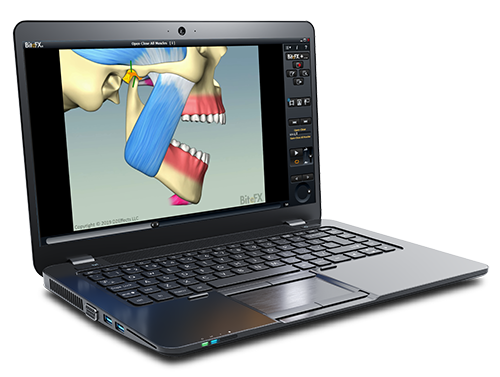
BiteFX Basic
BiteFX Basic provides essential tools for dental professionals to educate patients on occlusion and TMJ function through interactive animations.
Visualize complex concepts, enhance patient understanding, and streamline practice workflow with core visual aids and basic treatment planning support.
BiteFX Gold
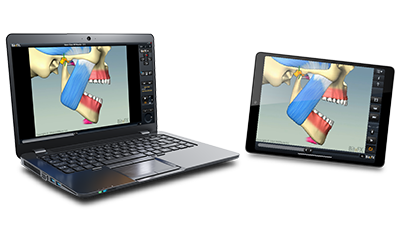
BiteFX Gold adds versatility with the use of BiteFX on the iPad.
With BiteFX Gold, you can seamlessly guide patients through interactive animations at their own pace, providing them with a deeper understanding of their occlusal issues.
Easily discuss cases with colleagues, study on the move, and have the flexibility you need to excel in your practice.
BiteFX Platinum
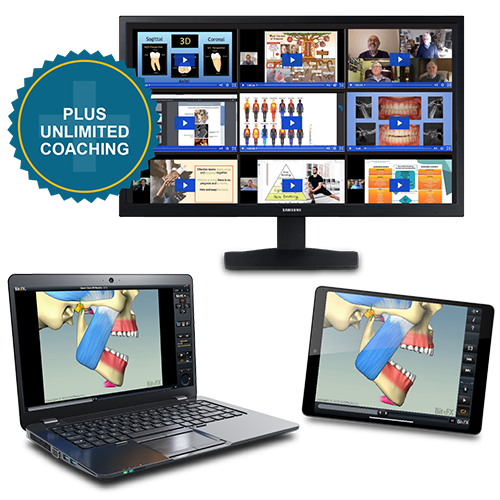
BiteFX Platinum represents the pinnacle of BiteFX memberships, offering exclusive benefits such as personalized training in the software and priority support.
With BiteFX Platinum, you can stay ahead of the curve with access to all our webinars featuring world class presenters. Use their knowledge to achieve unparalleled success in occlusal health education.